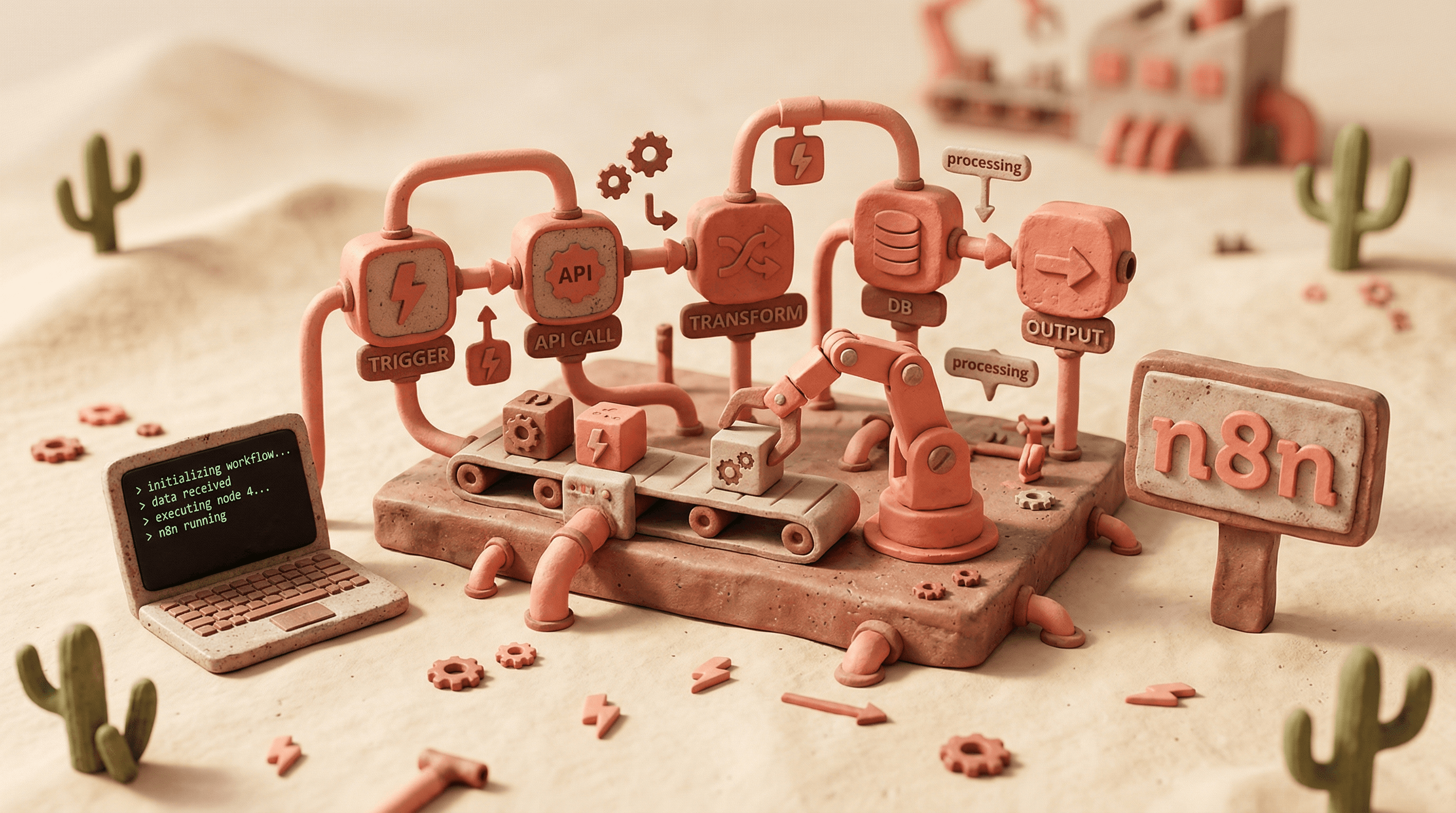
I used to spend 2 hours building n8n workflows that should take 10 minutes.
Drag a node. Configure it. Realize the field name is wrong. Delete it. Try again. Google the API format. Copy-paste from Stack Overflow. Test. Fail. Repeat.
Then I connected two tools to Claude Code and everything changed. Now I describe what I need in one sentence, and AI builds the entire workflow — nodes, connections, expressions, everything. Working on first try.
The tools: n8n-MCP and n8n-skills. 16.8K stars on GitHub. And nobody is talking about them.
Here's the short version of how it works — and why your AI currently sucks at building n8n workflows.
MCP (Model Context Protocol) is a standard that lets AI tools connect to external data sources. Think of it as giving your AI a reference library it can actually read.
n8n-MCP is an open-source MCP server built specifically for n8n. When you connect it to Claude Code, your AI gets access to:
1,396 node definitions — every node in n8n with its exact schema, required fields, and property dependencies
2,700+ community templates — real, working workflows it can study and adapt
16.8K GitHub stars worth of community validation
Instead of guessing what a Slack node looks like, the AI looks it up. Instead of inventing expression syntax, it references the real thing. Instead of building workflows from scratch, it finds a similar template and modifies it.
This is the difference between an AI that hallucinates n8n configurations and an AI that builds workflows that actually run.
MCP gives the AI access to data. But data alone is not enough. The AI still needs to know how to use it correctly.
That is what n8n-skills are — seven specialized skill files that teach your AI correct patterns for building n8n workflows. They cover expression syntax, node configuration, code nodes (JavaScript and Python), workflow architecture patterns, validation, and effective tool usage.
Think of it this way: n8n-MCP is the reference manual. n8n-skills are the experienced developer sitting next to the AI, saying "no, not like that — like this."
Here is a real example. You ask the AI to extract a name from incoming webhook data.
Without n8n-skills, the AI writes:
{{ $json.body.name }}
Looks reasonable. Does not work. n8n webhook nodes nest the body data differently, and the expression syntax has specific rules the AI does not know about.
With n8n-skills, the AI writes:
{{ $json.body.name }}
Wait — same thing? No. The skilled AI first validates the webhook node configuration to ensure the body is being parsed correctly, checks whether the webhook is set to receive JSON body content, and uses the correct path based on the actual node output structure. The expression might look similar, but the surrounding workflow configuration is what makes it actually work.
That is the pattern. The errors are rarely in the obvious places. They hide in node configurations, credential bindings, and property dependencies that generic AI simply does not understand.
Once your AI actually understands n8n, you stop thinking in terms of nodes and start thinking in terms of outcomes. A few examples:
Webhook + Slack alerting — "When a form is submitted on my site, validate the data, check for spam, and post a formatted message to the right Slack channel based on the form type." Five minutes of conversation. Working workflow.
CRM sync pipeline — "Watch for new rows in Google Sheets, enrich the contact with Clearbit, create or update the record in HubSpot, and log everything to a tracking sheet." The AI knows exactly which nodes to use, how to handle pagination, and where to add error handling.
Content pipeline — "When I add a blog post to Notion, generate social media variants with Claude, create images with DALL-E, schedule them across Twitter and LinkedIn, and track performance in a dashboard." Multi-branch workflow with AI nodes — built from a single conversation.
These are not toy examples. These are production workflows that would take hours to build manually. With the right setup, your AI builds them in minutes.
There is a real learning curve to setting this up correctly. Installing the MCP server. Configuring credentials. Getting the skills loaded in the right order. Understanding which tool to call when. Debugging the inevitable "it works on my machine" moments.
We built a full course that walks through all of it.
Five lessons. Step-by-step installation guides. All 7 skills explained with real examples. A hands-on project where you build a production workflow from scratch. Plus troubleshooting for every common issue we have seen.
This is the fastest path from "AI cannot build n8n workflows" to "AI builds my entire automation stack."
Join Knox Hub →